Easier doesn’t necessarily mean easy.

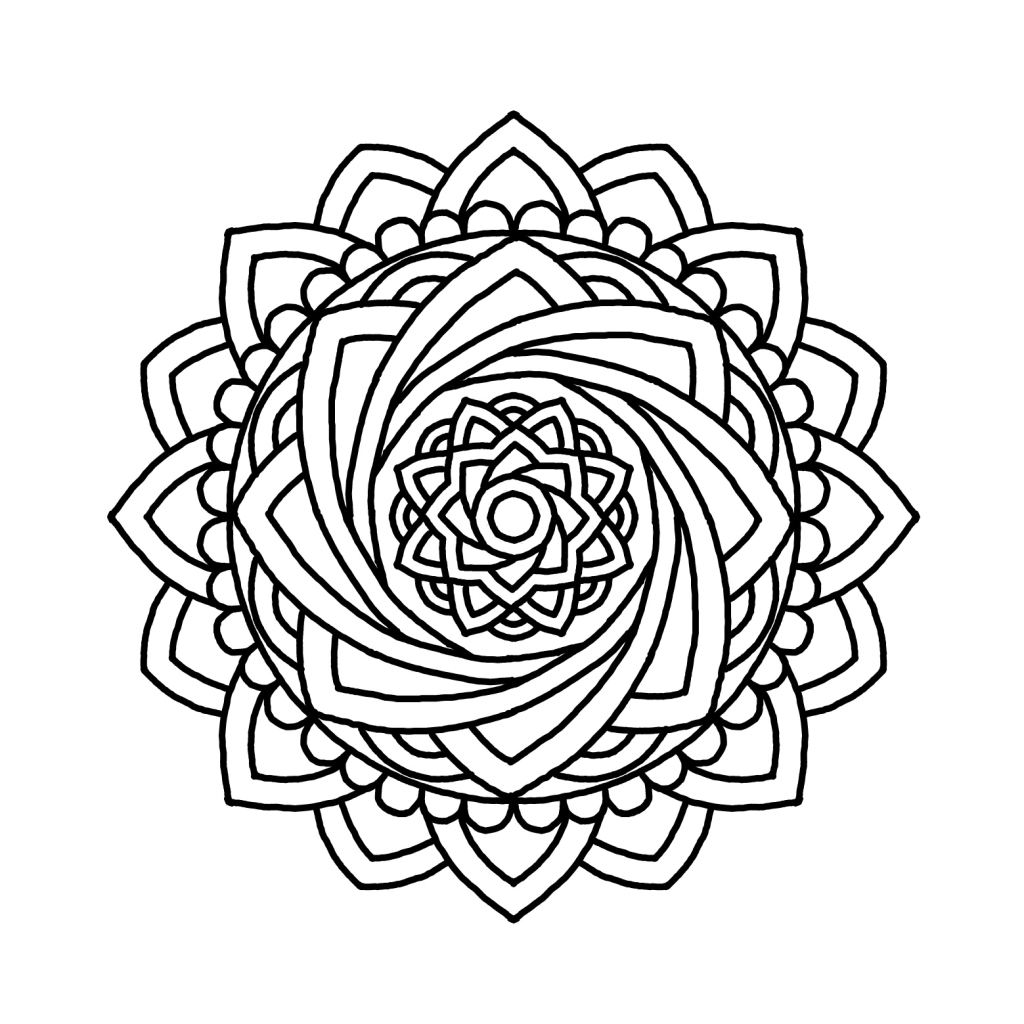
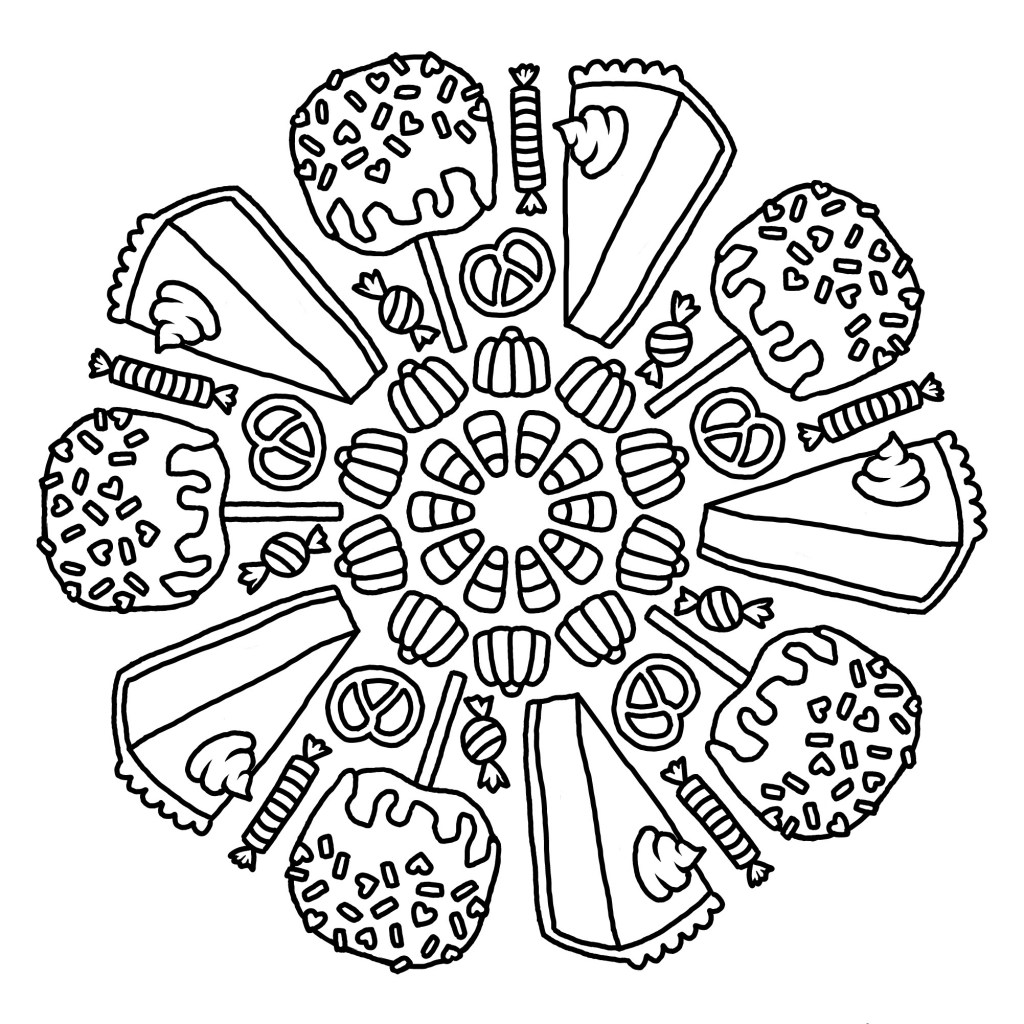
Autumn Treats coloring page!
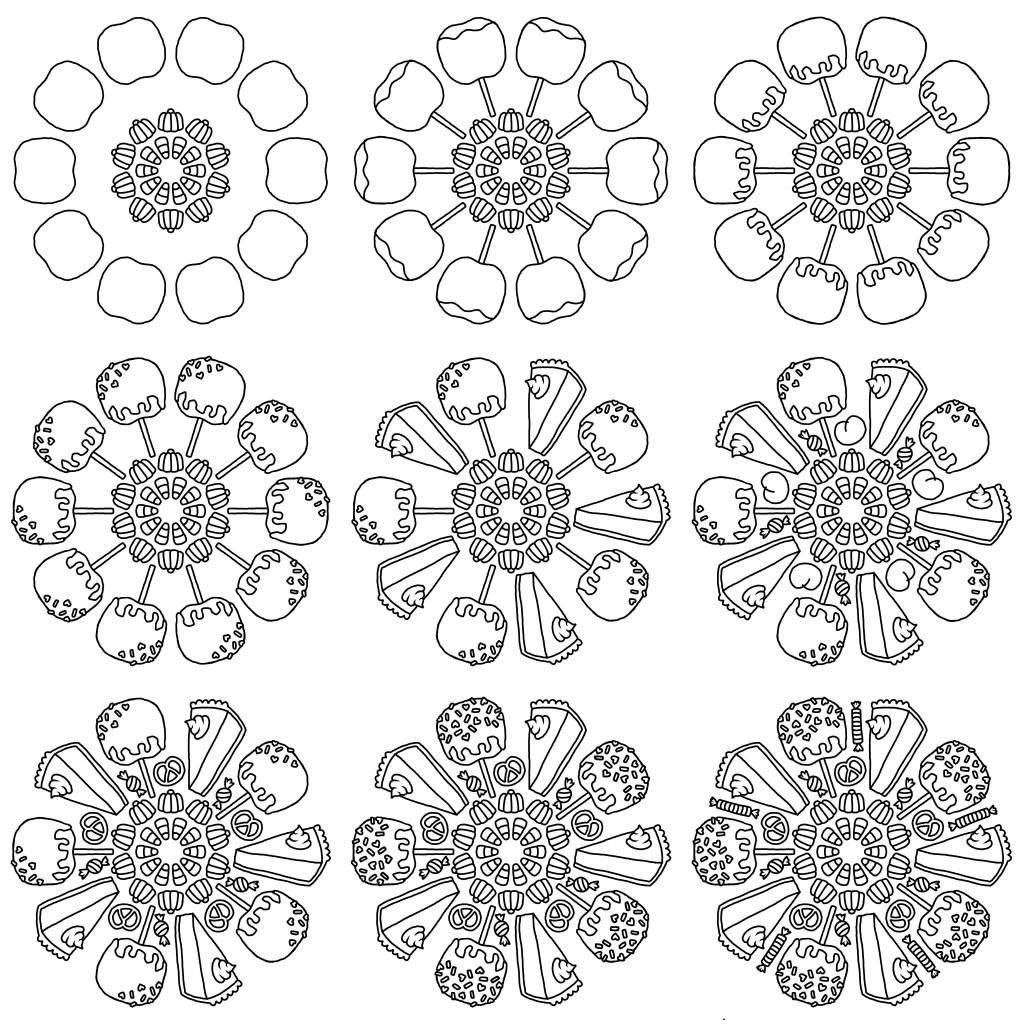
I saved enough times while making this piece to create a work-in-progress collage!

When I first blogged about drawing mandalas digitally, I introduced the concept as “Mandala made easy!” I have since come to learn that easier doesn’t always mean easy.

This piece took several hours of work, even with the benefit of only having to draw each item once! This isn’t the first time this has happened, many of my digital coloring pages took a surprising amount of effort to create!

Making these is so enjoyable that, despite the frustrations I come across, it’s still very much worth the effort to make them. I get lost in the work. So lost sometimes, that I can forget I’ve even drawn that day, and then I still feel like “wow I haven’t been drawing enough lately!”

I love the meditative repetition of drawing mandalas by hand, and all the quirks and imperfections that make them so charming. But I also love the satisfying, immaculate symmetry of a digital mandala, not to mention the convenience of having the option to draw on my phone at any time! As long as I am drawing mandalas I think I will be making use of both methods, I enjoy them about equally for different reasons.

You can find this coloring page and all my other digitally-drawn coloring pages for FREE to download and use in this Google Drive folder!

If traditional art is more your speed you can find hand-drawn coloring pages, also FREE to download and use, in this folder right here!

I’d like to make even more autumnal art this year so hopefully you’ll hear back from me again soon. Until then, take care, and have a wonderful day!
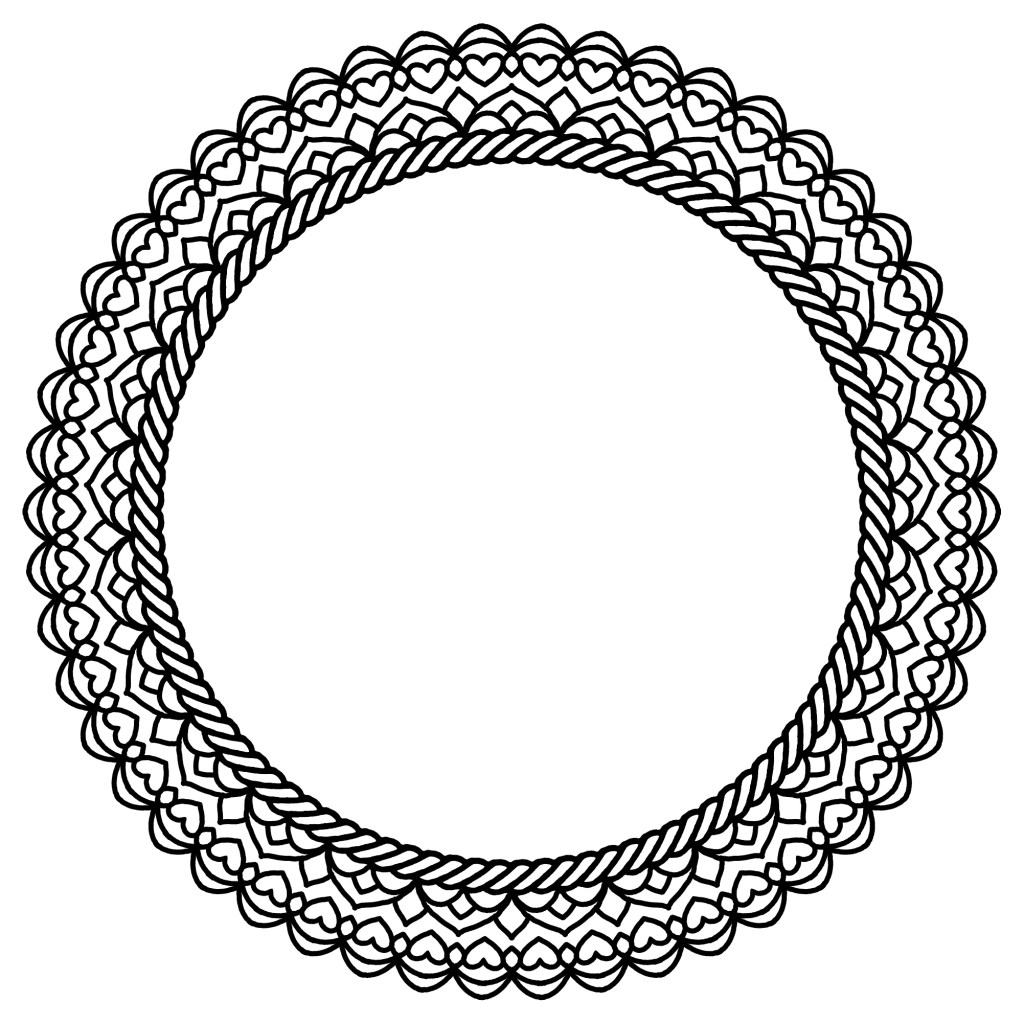
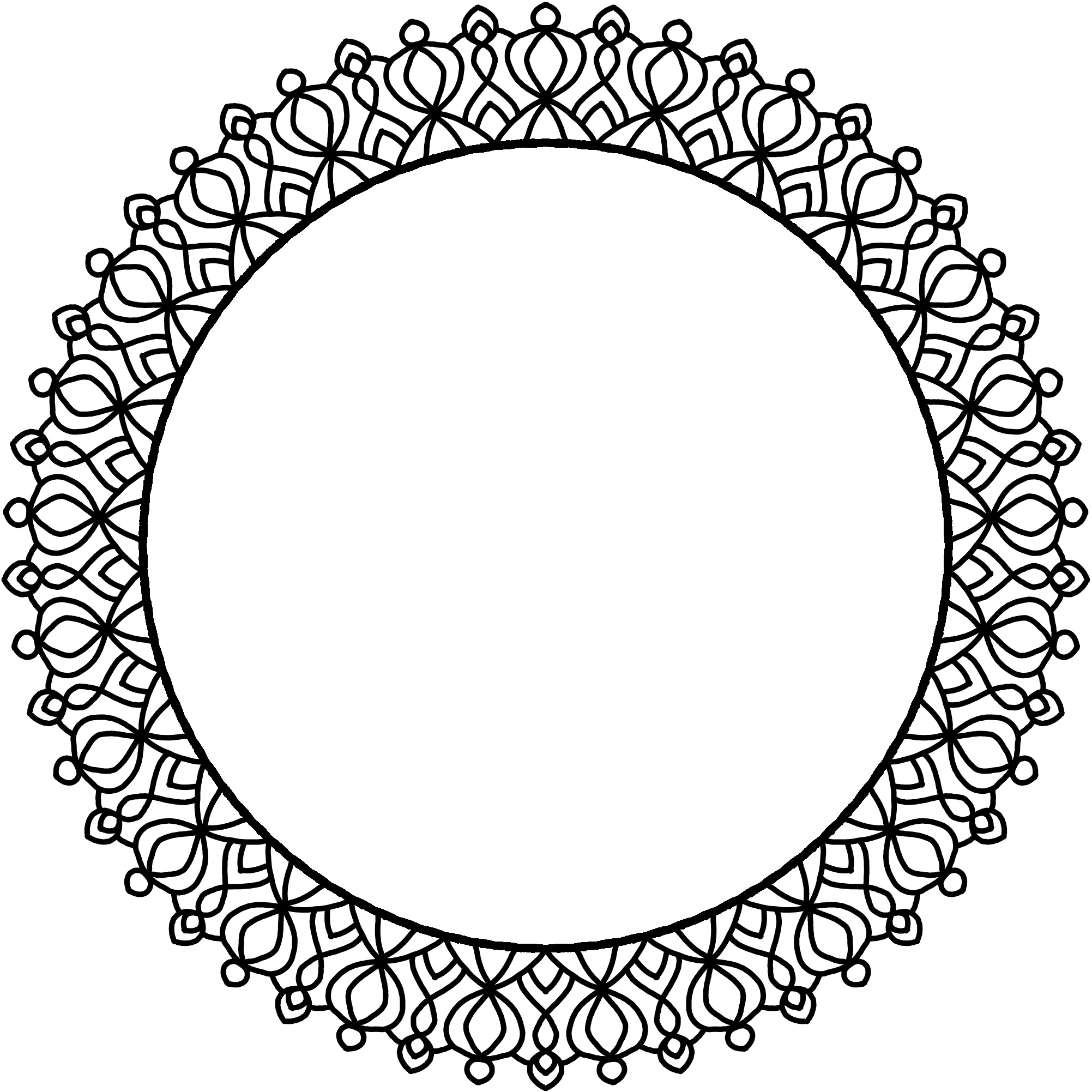
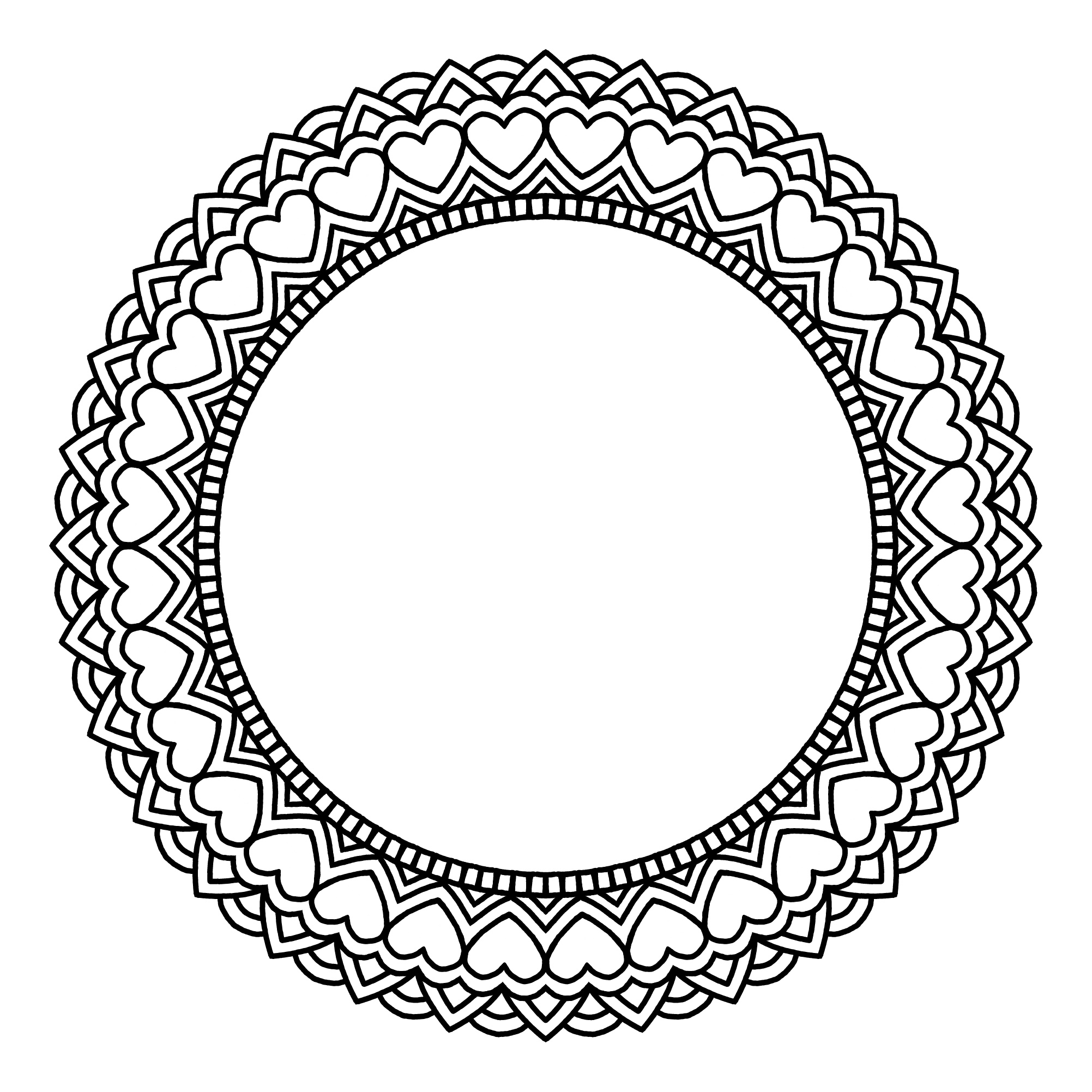
Frame Mandalas!

You can use these mandalas to frame a drawing or a photograph, or just color them and leave them as-is! Use them however you want really, it’s up to you 🙂 I’d love to see your work if you ever do use them for anything!

You can find these and all my other digitally-drawn coloring pages in this Google Drive folder.

These were inspired by my mom, who decorated clear photo holders to have fun frames, in which she displays photos of her granddaughter! I would love to paint real frames in the future, perhaps after my No Buy is over!

Thanks for stopping by, stay safe and healthy! I’ll see you in the next post 😀

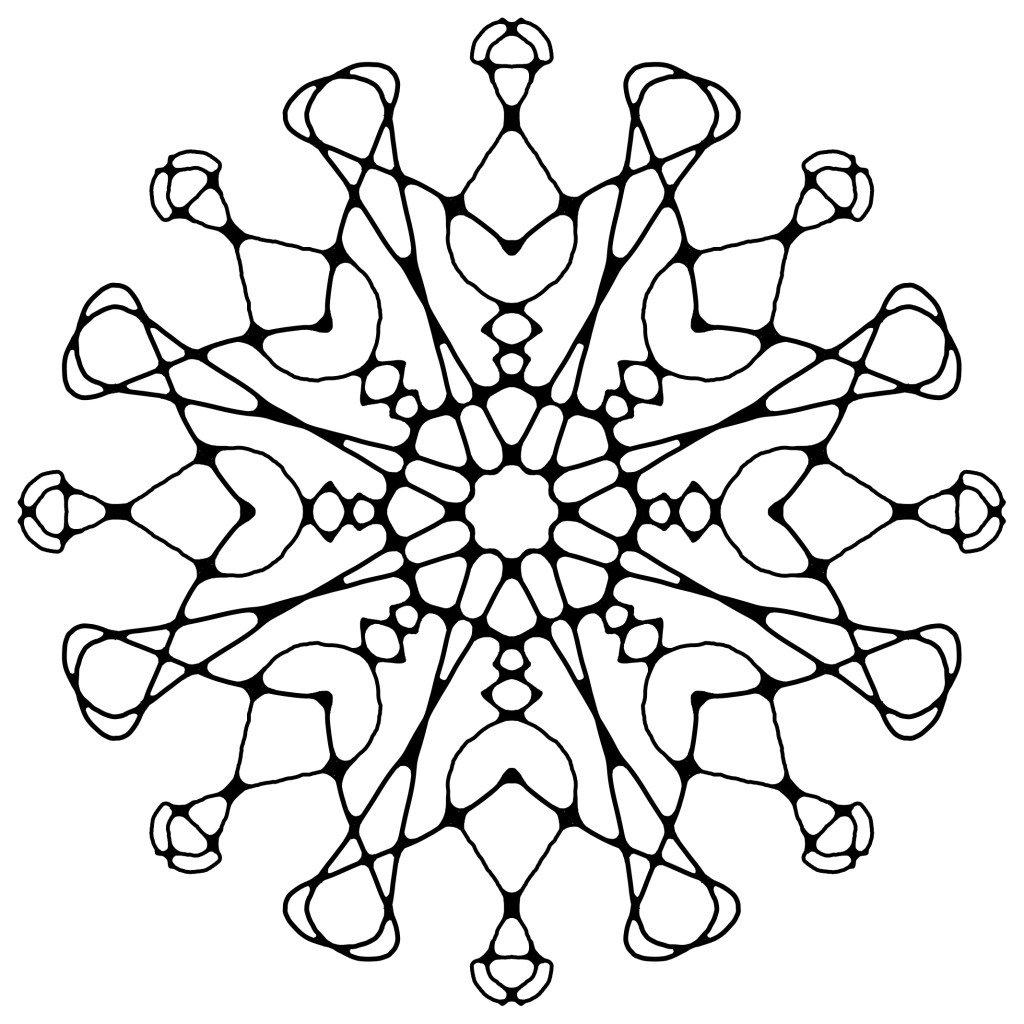
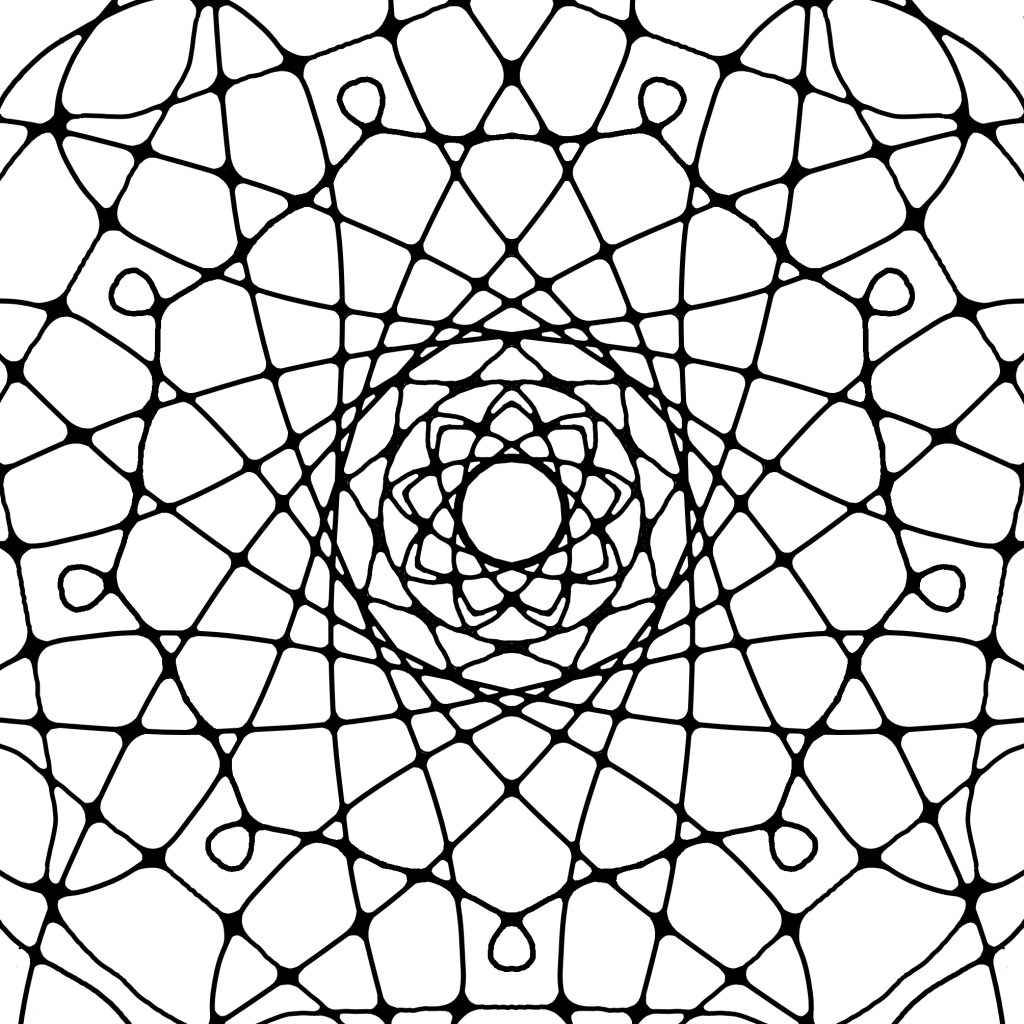
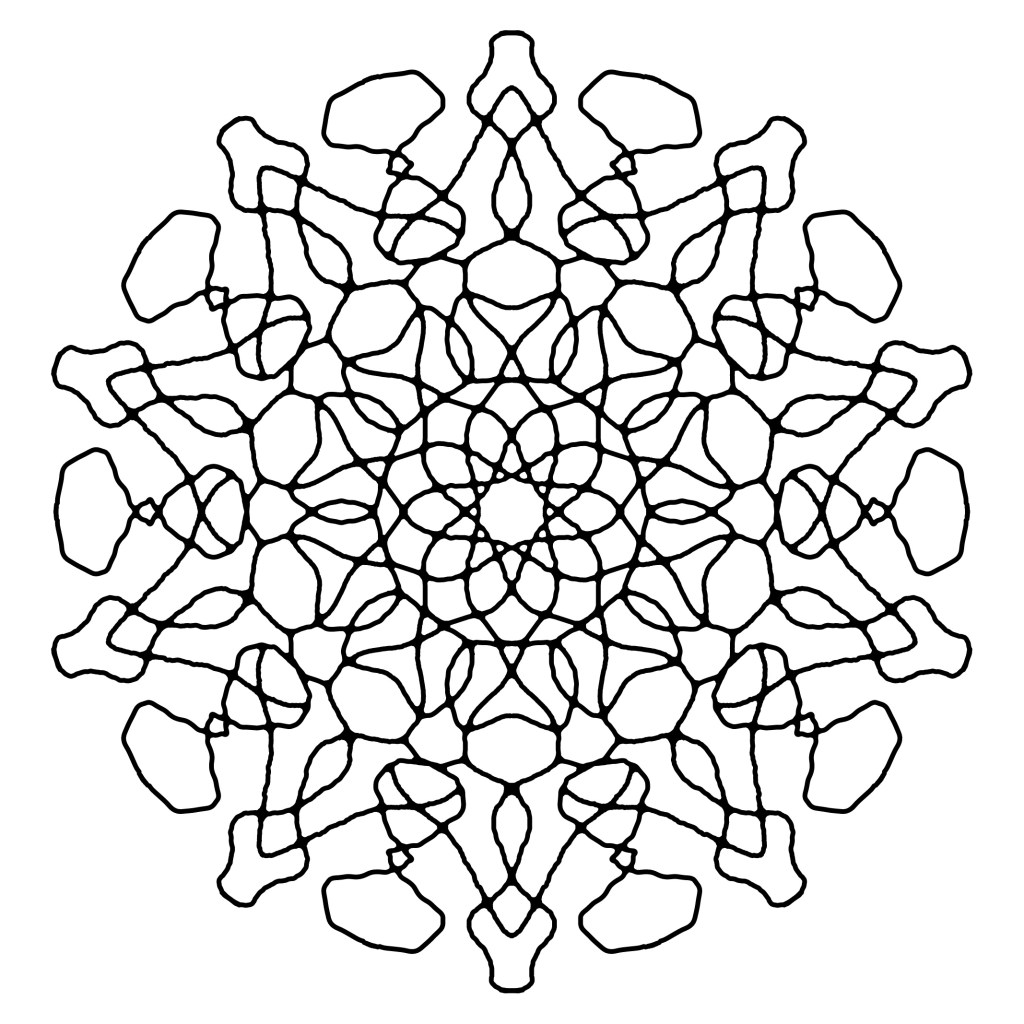
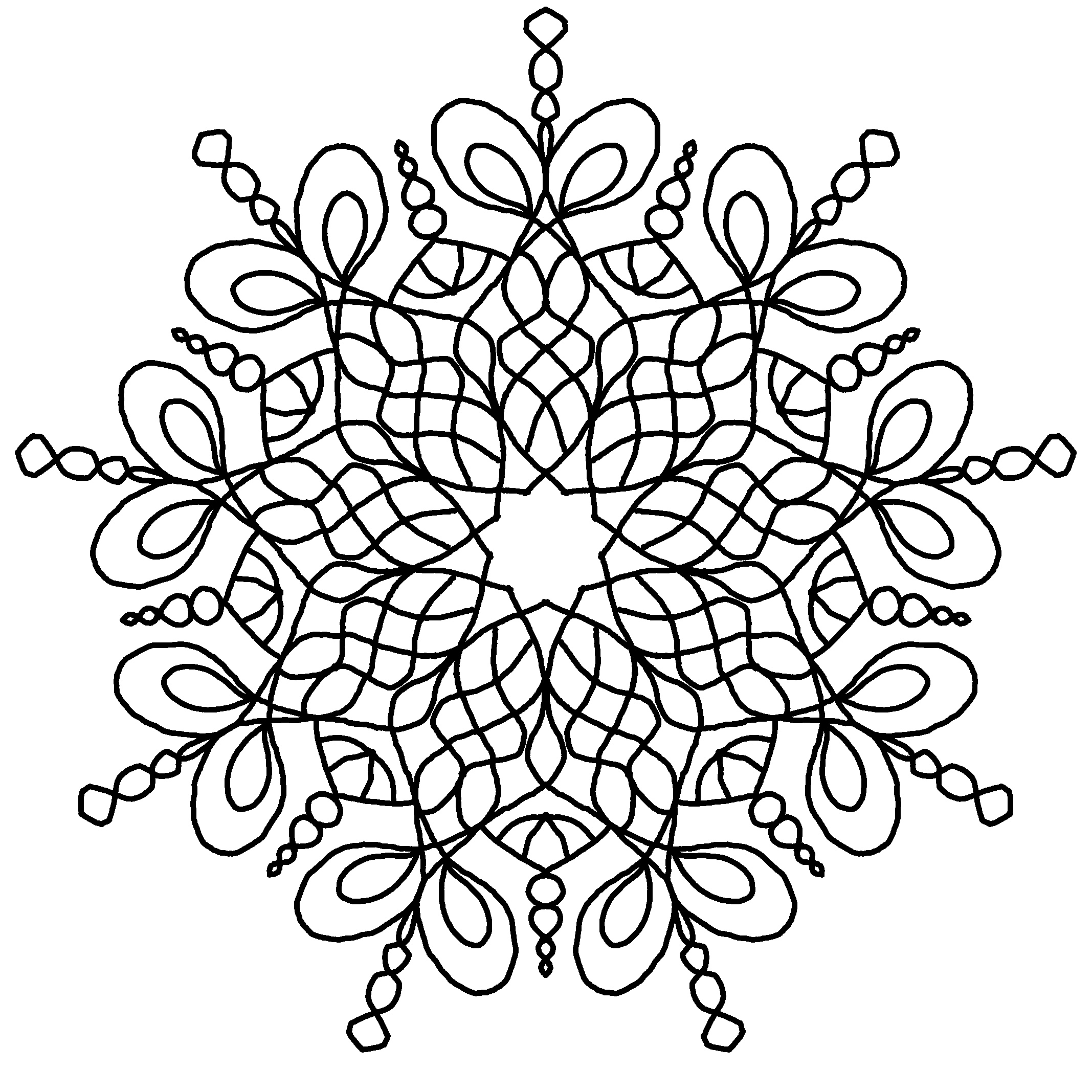
Neurographic Mandalas

Using Mandoo I was able to combine the concept of neurographic art with mandala and I love the results!

Doing this traditionally would be a lot harder and probably not a “true neurograph” since one is meant to start a neurograph with a random scribble, but with a mandala-making program it is completely possible and very easy!

If you are interested in coloring these I have uploaded them all to my digitally-drawn coloring pages Google Drive folder, so please enjoy!

Mandala made easy!

While it might read like it is, this post is NOT sponsored. I’m just excited about this wonderful tool I recently started using and I want to share it with the world.

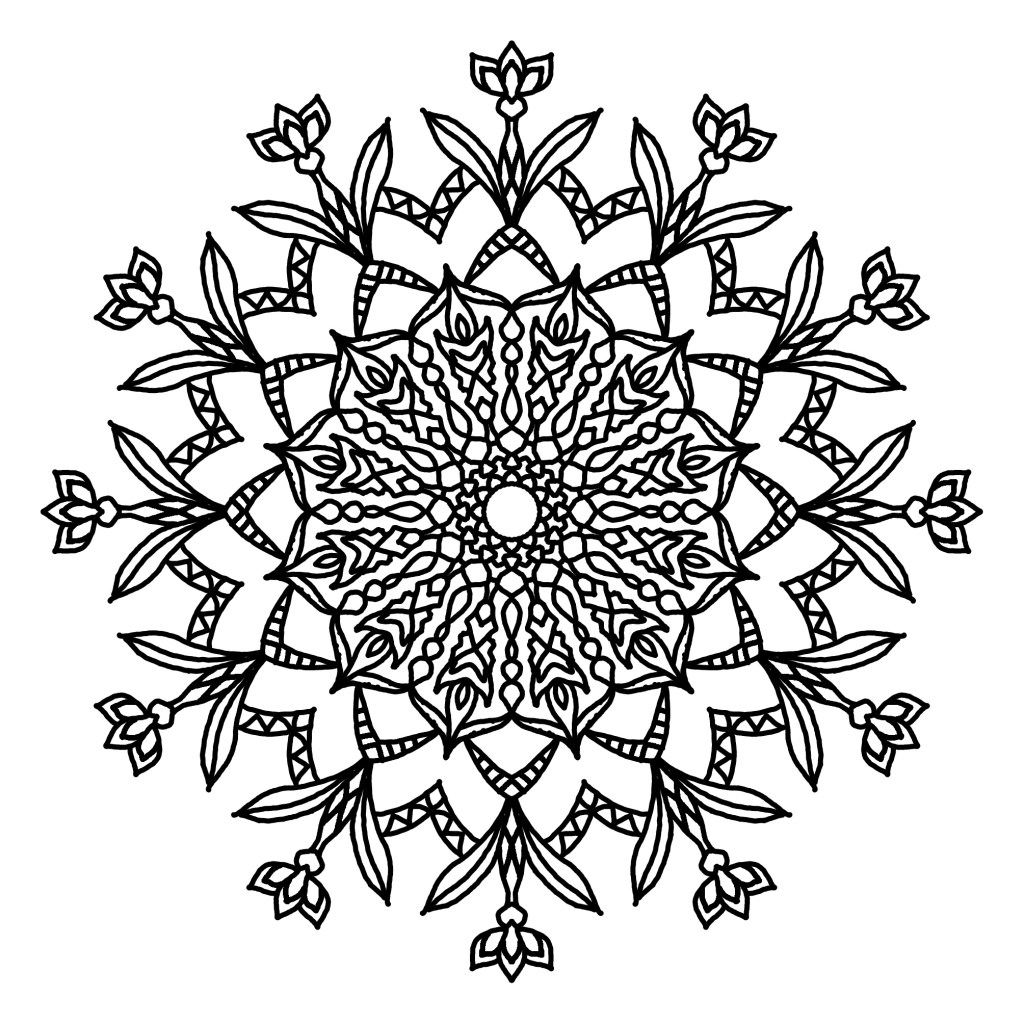
These 3 mandalas were made in the android app Mandoo. It is completely free, no ads or in-app purchases! I love this app so much. It’s rare to find good apps that are completely free, but when I do I am so incredibly grateful.

Mandoo lets anyone create a mandala, from absolute novices to experienced veterans. This is because you only have to draw one section of the mandala, the app will automatically copy the design around the facets for you.

This isn’t a new concept, Mandoo is only one of many apps that can do this, but I love Mandoo for being ad-free and very simple to use. Many mandala coloring pages you find in coloring books are made this way with similar programs, and I can see why, It gives you perfect symmetry effortlessly and it saves loads of time!

If you’ve been around here long enough you should have gathered by now that I am a fan of “easy” art that is accessible to all skill levels. I am very much not someone who argues about what is or isn’t real art, I find that all to be overly pretentious and unnecessary. My whole mission is to inspire ALL people to embrace their creative side, so there’s no room for that nonsense here!

What I started using this app for is jotting down ideas for traditional pieces later, as lately I found myself overusing certain motifs and I have grown bored of them. The possibilities are endless and I want to unlock more of those possibilities! Even just by scribbling at random I can find new shapes that inspire me and I can use them again later. I have found myself making finished pieces in this app more and more though, since I enjoy using it so much.

Nothing really beats the experience of drawing a mandala entirely by hand for me, the repetition is actually part I like most. But if you’re someone who looks at mandala art and thinks it’s not for you because it looks too tedious, you might want to try a tool like this, because then you can make the same fancy circles I do without having to do quite as much work!

You may know that I have a Google Drive folder of all my free hand-drawn coloring pages, but I’m going to start a new one for these digital tool-assisted pieces. This will make it easier to choose coloring pages based on what better suits your personal tastes, and I will be able to release new line art faster using this tool. I can’t lie, my traditional pieces are more sentimental to me though since I have to put more work into them. You can expect to see me putting out both traditional and digital mandalas in the future, as I enjoy them both for different reasons.

See you in the next one, have a wonderful day!